Here you'll find everything you need to get started: from the visual Quick Guide to the complete technical documentation, through to data management software. A guided path, designed for demanding operators.
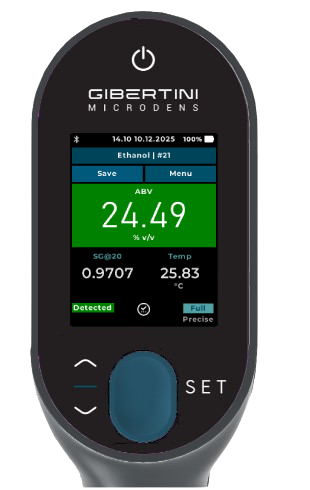
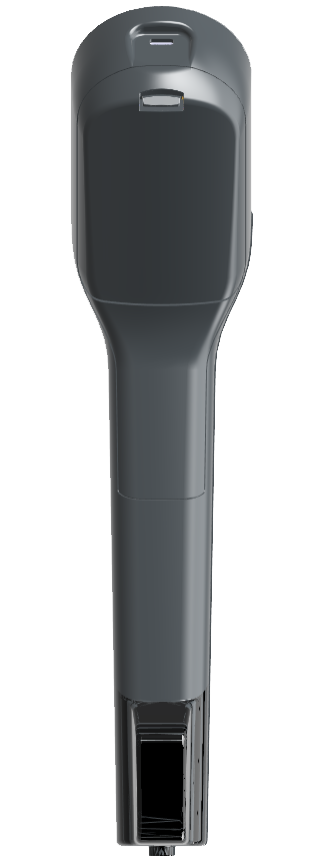
Main components, connections and control buttons.
Five essential steps to correctly start your MicroDens.
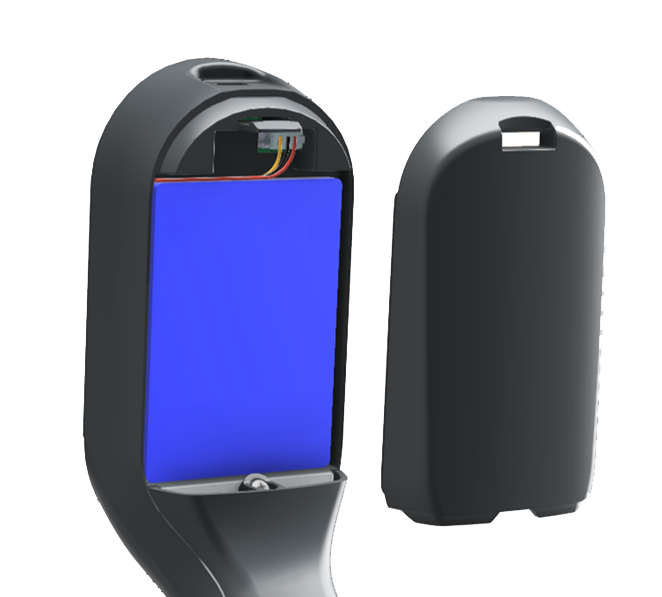
Insert the Li-Ion battery into the side compartment until the snap click.
Screw the PTFE tube to the threaded fitting. Hand-tighten only — do not use tools.
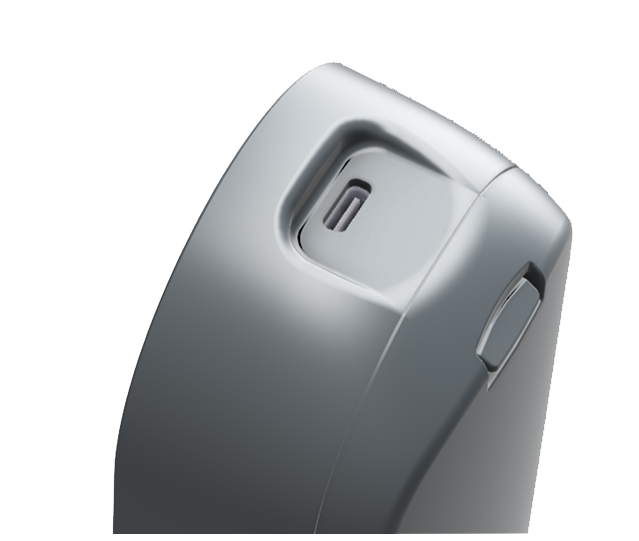
Connect the USB-C cable to the side connector.
Full charge: 3–4 hours.
Operating autonomy: over 10 hours in normal use and 100 hours in standby.
Press and hold PWR for 3–4 seconds until the display starts.
Configure in sequence: Language (IT / EN / DE / FR / ES)
→ Date & Time
→ Units (g/cm³, kg/m³, °API, SG; °C or °F).
After each session or when changing sample. For each solvent repeat 3–5 cycles of aspiration/expulsion.
Always proceed from the least aggressive solution to the most aggressive. Do not leave organic solvents in contact with the cell for extended periods.
Software tools built specifically for MicroDens: from basic data export to complete measurement cycle management in regulated industrial environments.
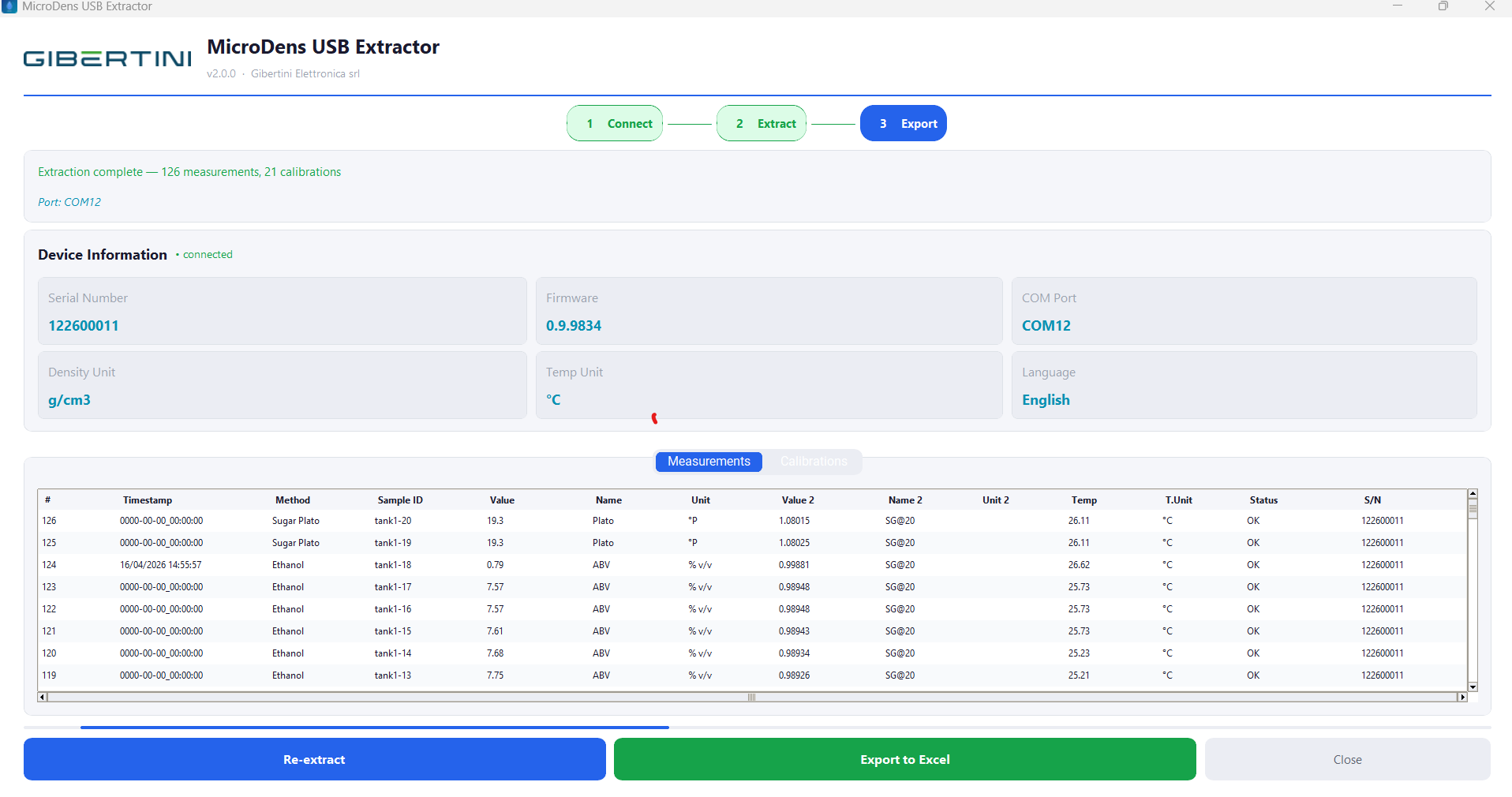
Measurement history export to Excel via USB-C
Transfers the entire measurement history — up to 2,000 timestamped datasets — into a structured Excel spreadsheet via direct USB-C connection. Optimal solution for environments without wireless connectivity or for periodic batch exports.
| Operating System | Windows 10/11 (64-bit); also XP SP3+ |
| Connection | USB-C (CDC serial) |
| Driver | CP210x (Silicon Labs) — included |
| Requirement | Microsoft Excel 2010 or later |
| Version | 1.0.0 |
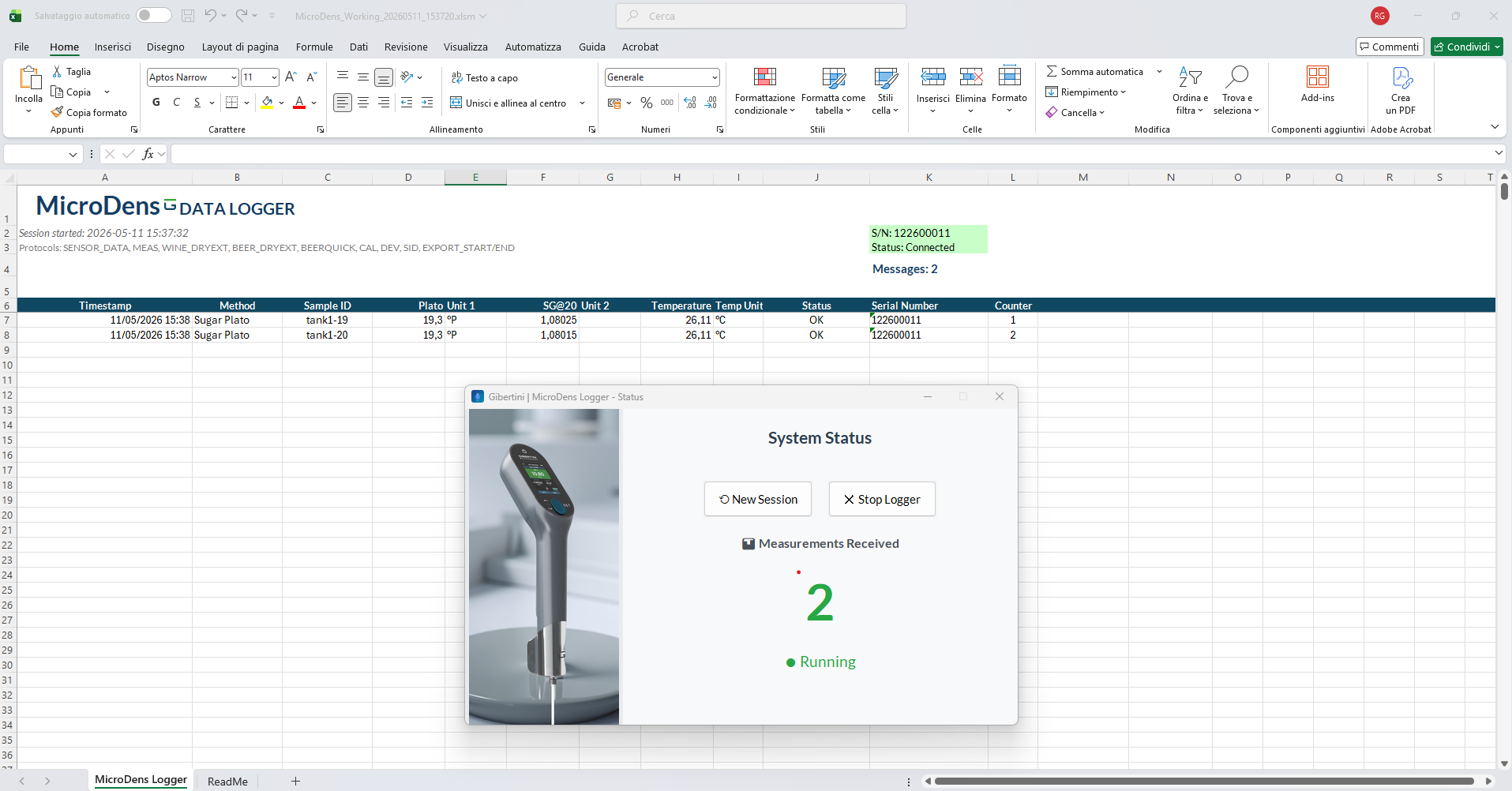
MicroDens_USB_Extractor_Setup_v1.0.0.exeMacro-enabled Excel application for direct measurement acquisition into the spreadsheet. Integrates MicroDens data flow into existing spreadsheet processes without additional software infrastructure.
| Operating System | Windows 10 / 11 |
| Connection | Bluetooth BLE 5.0 |
| Version | 2.0 |
MicroDens_Logger_Setup_v2.0.exe
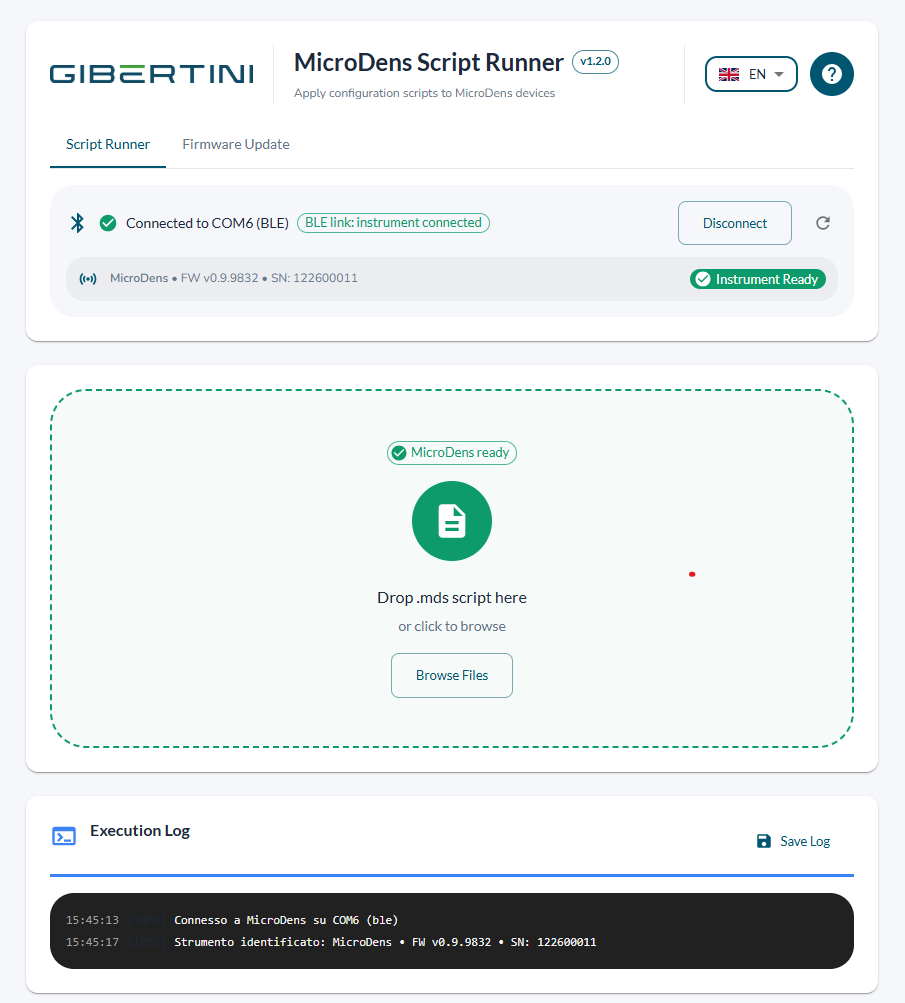
Free software to independently apply custom configurations prepared by a Gibertini service technician. The technician sends a .mds file: Script Runner loads and applies it in a few clicks. It also handles MicroDens and BLE Dongle Key firmware updates directly online, no files needed — all with one click.
.mds file via drag & drop or browse.txt| Operating System | Windows 10/11 (64-bit) |
| Connection | USB-C / BLE Dongle Key (optional) |
| Driver | CP210x (Silicon Labs) — included |
| Version | 1.2.0 |
.mds file received from Gibertini service technicianMicroDens Script Runner Setup 1.2.0.exe.mds file received from the technician and click Apply Script.mds file received from the technician (via drag&drop or "Browse Files") — name, author, description and checksum status are displayed. Click Apply Script: a progress bar will track execution in real time. Save the log when complete as documentation of the operation.
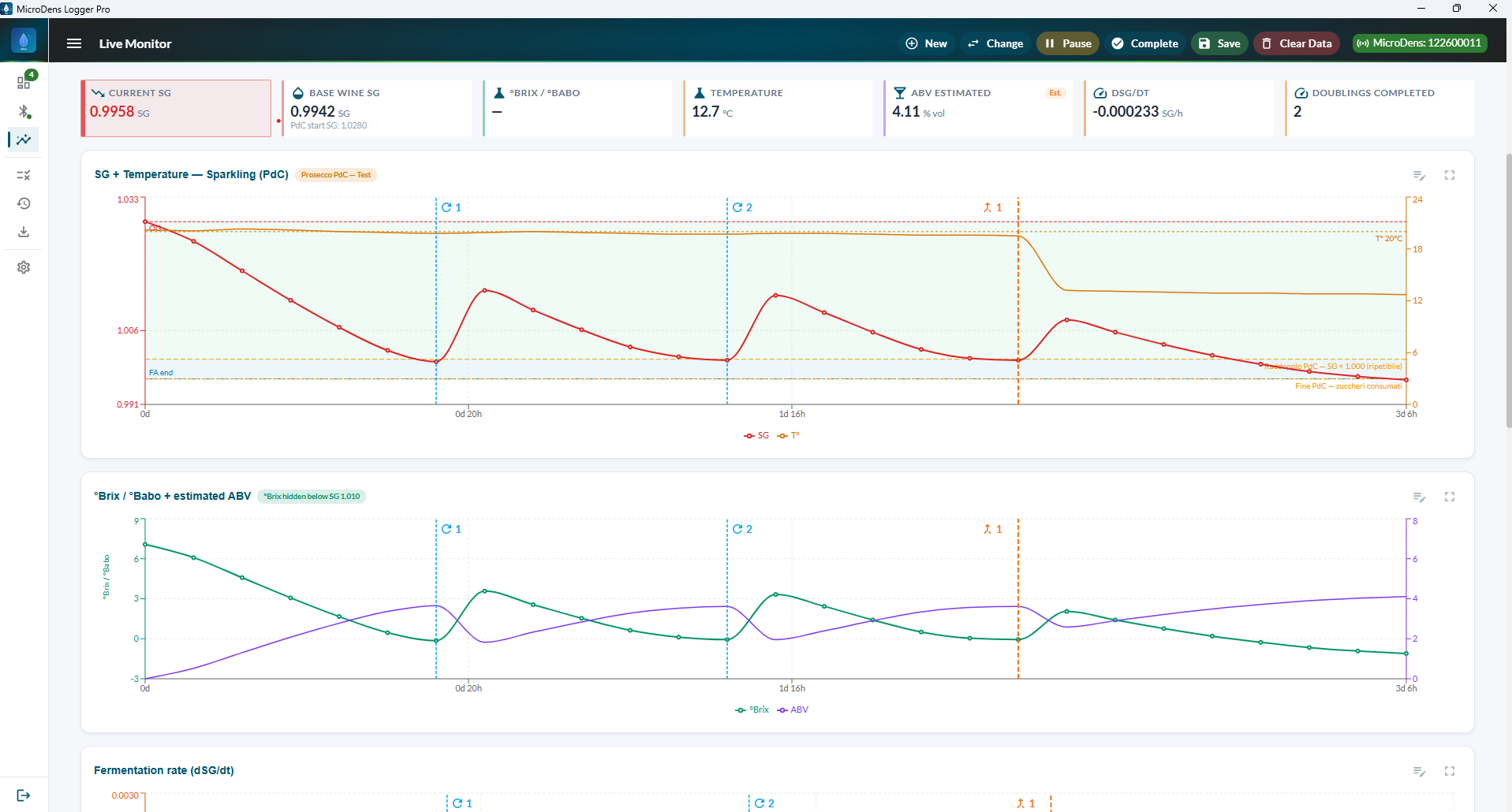
.mds file may have been modified — request a new file from the technicianDesigned for QC operators, lab technicians and quality managers requiring full traceability, certified reporting and multi-instrument management in demanding production environments.
| Operating System | Windows 10/11 (64-bit) |
| Connection | Bluetooth BLE 5.0 |
| Activation | Online license — contact info@gibertini.com |
| Internet | Required for license activation |
| Version | latest |
MicroDensLoggerProSetup.exe.mds file from support.
.mds configuration file from a Gibertini service technician. Script Runner lets you independently apply the custom configuration of your MicroDens in just a few clicks, with no technical expertise required. It is also the program for independently updating the MicroDens firmware and the BLE Dongle Key firmware, directly online with a single click.
MD##### (e.g. MD24001) or ##YY##### (e.g. 012400001).
It is required for product registration and for communications with technical support.
The Gibertini team is available for technical support, instrument configuration
and application method development for your sector.